
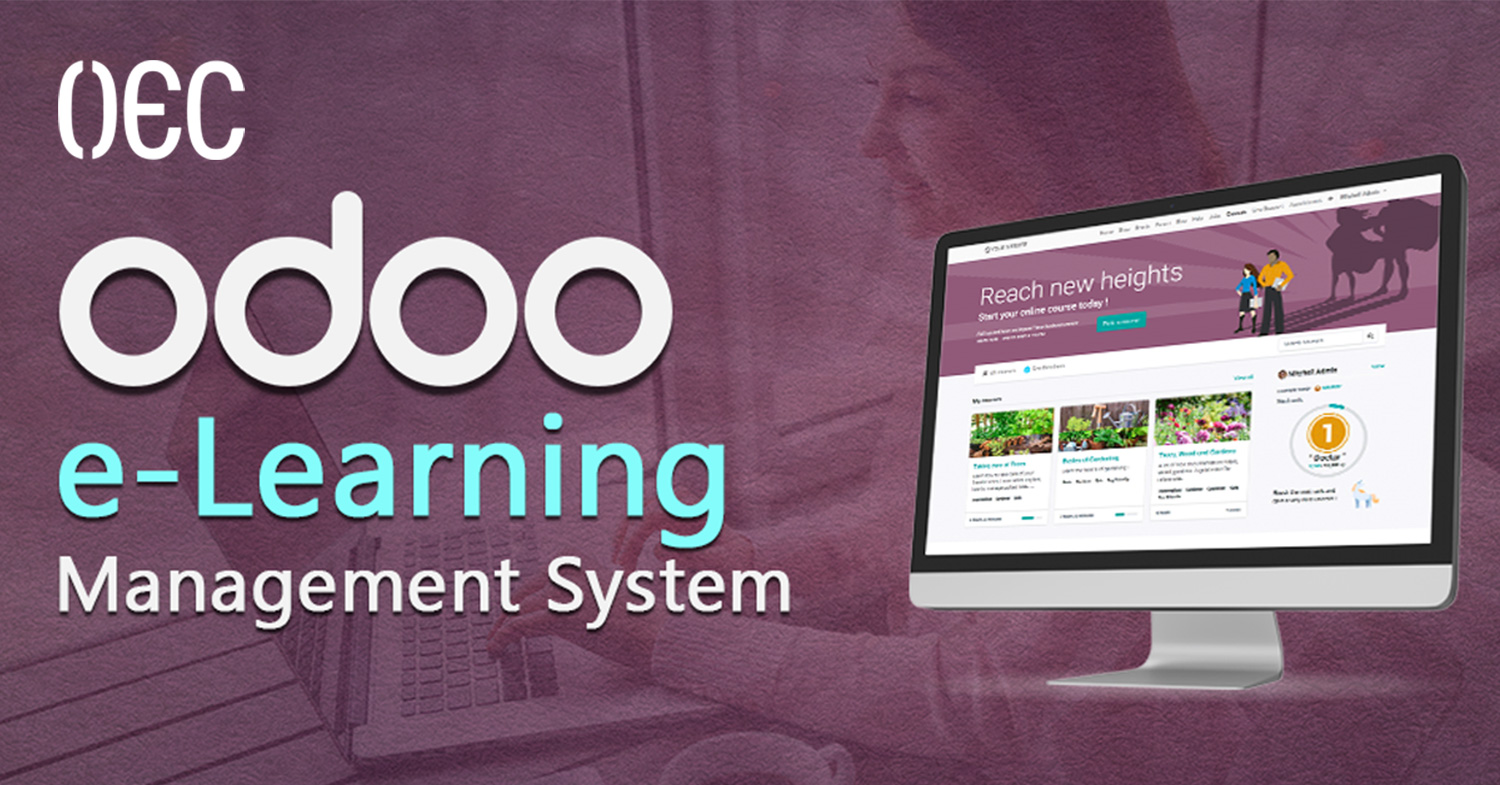
Training and knowledge sharing have changed a lot over the past few years. Businesses are no longer relying only on in-person sessions, printed manuals, or scattered video files saved across different platforms. Today, companies need structured, trackable, and scalable learning systems that grow with their teams. That’s exactly where digital learning platforms like Odoo eLearning come in, especially when they are deeply connected to daily business operations.
At OEC, we work with organizations that want more than just software. They want systems that actually make their work easier, clearer, and more efficient. Our focus has always been on helping businesses organize their operations through smart digital solutions, whether that’s ERP systems, digital archiving, web platforms, or internal tools that bring structure to chaos. Training and knowledge management are a natural extension of that mission.
In this article, we’ll break down what Odoo eLearning is, how it works, and why it’s different from traditional learning platforms. We’ll explain everything in a simple, practical way, so you can clearly understand whether Odoo is the right solution for your business, training program, or educational project.
What Is Odoo eLearning?
Odoo eLearning is a Learning Management System (LMS) built directly inside the Odoo eLearning ecosystem. Instead of being a standalone platform, it works as an integrated Odoo application that allows businesses, educators, and training teams to create, manage, deliver, and track online learning content.
Unlike many external LMS platforms, Odoo doesn’t live in isolation. It connects naturally with other Odoo apps like Website, Sales, CRM, Employees, Invoicing, and eCommerce. This makes it especially powerful for organizations that already use Odoo or plan to build their operations around a single system.
At its core, Odoo eLearning helps you:
-
Create structured online courses
-
Organize lessons and chapters
-
Upload videos, documents, and presentations
-
Add quizzes and assessments
-
Track learner progress
-
Manage access and permissions
-
Sell courses or restrict them internally
All of this happens inside the same environment where your business data already lives.
Why Odoo eLearning Is Different from Typical LMS Platforms
ERP-Native, Not External
One of the biggest differences is that Odoo eLearning is ERP-native. Traditional LMS platforms usually sit outside your business systems. You log in to one platform for training, another for HR, another for sales, and another for reporting.
With Odoo eLearning, learning becomes part of your operational flow. This means:
-
Employees can access training through their existing Odoo accounts
-
Courses can be linked to roles, departments, or onboarding processes
-
Learning data can align with HR, performance, or internal workflows
This level of integration is hard to achieve with third-party LMS tools.
Built for Businesses, Not Just Schools
While Odoo eLearning can be used for education, it’s clearly designed with business use cases in mind. It fits perfectly for:
-
Internal employee training
-
Onboarding programs
-
Compliance and policy training
-
Product or system training
-
Partner or reseller education
-
Paid or free online courses
It doesn’t force an academic structure. Instead, it adapts to how businesses actually train people.
How Odoo eLearning Works (Step by Step)
Creating Courses in Odoo eLearning
The foundation of Odoo eLearning is the course. Each course acts as a container for all related learning content.
You can define:
-
Course title and description
-
Difficulty level
-
Visibility (public or private)
-
Access rules (free, paid, internal users only)
-
Course image and landing page
Courses are managed through a clean, visual interface that doesn’t require technical knowledge.
Structuring Content with Chapters and Lessons
Inside each course, content is organized into chapters and lessons. This helps learners move through material in a logical and structured way.
Lessons can include:
-
Video content
-
Written explanations
-
PDF files
-
Slides
-
External links
-
Embedded media
This structure makes learning easier to follow and avoids overwhelming the user with unorganized content.
Content Types Supported by Odoo eLearning
Video-Based Learning
Video is one of the most common formats used in Odoo eLearning. You can upload videos directly or embed them from supported platforms.
Videos work well for:
-
System walkthroughs
-
Internal training
-
Product explanations
-
Recorded sessions
The platform tracks video completion, helping you understand how learners interact with your content.
Documents and Written Content
Not all learning needs to be video-based. Odoo eLearning supports:
-
Text lessons
-
Downloadable PDFs
-
Guides and manuals
-
Policies and documentation
This makes it ideal for structured knowledge sharing, especially for operational or compliance-related content.
Quizzes and Assessments
Odoo eLearning allows you to create quizzes to test understanding and retention.
You can:
-
Add multiple-choice questions
-
Define correct answers
-
Set passing scores
-
Require quizzes before course completion
Quizzes help ensure learning isn’t passive and give you measurable results.
Tracking Progress and Performance
Learner Progress Tracking
One of the strongest features of Odoo eLearning is progress tracking. You can see:
-
Which users enrolled in a course
-
Which lessons they completed
-
Quiz results
-
Completion percentages
This is especially useful for internal training, where accountability matters.
Certificates and Completion Status
Courses can be configured to:
-
Mark learners as “completed”
-
Generate certificates
-
Require full lesson completion before certification
This is useful for internal documentation, audits, or structured learning paths.
Odoo eLearning for Internal Company Training
Employee Onboarding
Odoo eLearning is a strong fit for onboarding new employees. Instead of repeating the same explanations, companies can:
-
Create onboarding courses
-
Centralize company policies
-
Explain internal systems
-
Track completion before full access is granted
This creates consistency and saves time.
Continuous Skill Development
Training doesn’t stop after onboarding. Odoo eLearning supports ongoing education by:
-
Updating courses regularly
-
Adding new lessons as systems evolve
-
Assigning learning paths by role
This helps teams stay aligned and up to date.
Selling Courses with Odoo eLearning
Integration with Odoo Website and eCommerce
Odoo eLearning integrates smoothly with Odoo Website and eCommerce. This allows you to:
-
Display courses on your website
-
Sell access to courses
-
Handle payments and invoicing
-
Control access automatically after purchase
This makes Odoo a solid option for training providers and consultants.
Managing Free vs Paid Content
You can decide which courses are:
-
Public
-
Private
-
Paid
-
Restricted to logged-in users
This flexibility supports different business models without extra tools.
Access Control and User Management
User Roles and Permissions
Odoo eLearning uses Odoo’s user system, which means you can:
-
Control who creates courses
-
Limit who edits content
-
Decide who can enroll or view material
This is important for businesses that handle sensitive or internal knowledge.
Internal and External Users
The same platform can serve:
-
Employees
-
Partners
-
Clients
-
Public learners
Each group can have different access rules, all managed centrally.
Scalability and Customization
Customizing Odoo eLearning
Odoo eLearning can be customized visually and functionally:
-
Course layouts
-
Learning flows
-
Page designs
-
Additional fields or logic
Customization can be done through configuration, Odoo Studio, or custom development depending on complexity.
Growing with Your Business
As your organization grows, Odoo scales with it:
-
More users
-
More courses
-
More integrations
-
More automation
You don’t need to migrate to another platform as your needs expand.
Common Use Cases for Odoo eLearning
Internal Knowledge Base
Many businesses use Odoo eLearning as a structured knowledge base instead of scattered documents.
System Training
Training users on ERP systems, internal tools, or workflows becomes much easier when lessons are centralized.
External Training Programs
Consultants, trainers, and educators can use Odoo eLearning to deliver structured programs without external LMS platforms.
Limitations to Be Aware Of
While powerful, Odoo eLearning is not meant to replace:
-
Advanced academic LMS platforms
-
Highly gamified learning systems
-
Massive public MOOC platforms
It shines most when learning is connected to business operations.
Why OEC Is the Right Partner for Odoo
Choosing the right platform is only part of the equation. The real value comes from how it’s implemented, structured, and aligned with your business goals.
At OEC, we don’t treat Odoo as just another app. We look at:
-
Your training objectives
-
Your operational workflows
-
Your team structure
-
Your future growth plans
We design learning systems that fit naturally into your business, not systems that force you to change how you work. Whether your goal is internal training, structured onboarding, or delivering professional learning programs, we focus on clarity, scalability, and long-term value.
With deep experience across Odoo solutions, digital systems, and business workflows, OEC helps organizations turn Odoo into a real asset, not just a feature.